
Is Your Home Wi-Fi Actually Safe? Here's What You Need to Know
A weak password, shared logins, and unsecured kids' devices could be leaving your network wide open. Here's how to fix it
Your Wi-Fi is on 24/7, connecting everything in your home — phones, laptops, smart TVs, doorbells, even the thermostat. But when’s the last time you thought about whether it’s secure?
For most people, the answer is “never.” And that’s a problem. An unsecured home network is like leaving your front door unlocked. You may not notice anything wrong right away, but the risk is real — from freeloaders slowing down your speeds to more serious threats like hackers accessing personal information on your devices. The good news? A few simple steps can make a big difference.
Your Default Password Is a Problem
If your Wi-Fi password is something like “admin,” “password123,” or the one printed on the sticker on the back of your router? If so, you should change it. Default passwords are publicly known and easy to guess. A strong Wi-Fi password should be at least 12 characters and mix letters, numbers, and symbols. Think of it less like a PIN and more like a lock on the front door of your digital life.
Not sure how to change it? Get help from Cablelynx support — it only takes a few minutes.
Set Up a Separate Guest Network
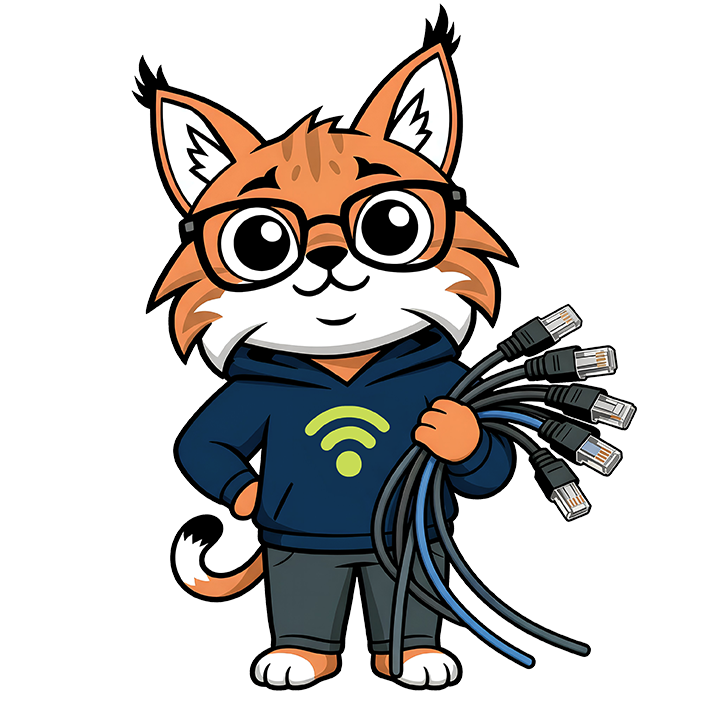
When friends and family visit, it’s natural to share your Wi-Fi. But every device you let on your main network is another potential entry point for threats. The fix is simple: create a separate guest network. It keeps visitors connected without giving them access to your main network and the devices on it. Your router may already support this feature. If you’re not sure how to set it up, Blaze, Cablelynx’s friendly Wi-Fi guide, is here to help walk you through it.
Protect Your Kids Online
If you have children at home, Wi-Fi security takes on a whole new meaning. It’s not just about keeping hackers out, it’s about managing what your kids can access and when. Setting content filters, scheduling screen time limits, and keeping an eye on which devices are on your network are all part of keeping your household safe online. This used to require technical know-how. Not anymore.
CommandIQ Makes It All Easy
The CommandIQ app puts full control of your home network right in your pocket. No IT degree required. With CommandIQ, you can create individual profiles for each family member and assign their devices to those profiles, making it easy to see exactly who’s on your network and what they’re doing. Need to pause the internet for the kids at bedtime? Done in two taps. Want to filter out inappropriate content? It’s built right in.
But CommandIQ goes beyond parental controls. The app includes built-in network monitoring that alerts you whenever a new device connects, so you’ll know immediately if something unfamiliar shows up on your network. It also features ProtectIQ security, which automatically detects and blocks network threats like malware and viruses before they can reach your devices.
Think of it as a security system for your internet, one that runs quietly in the background and never takes a day off. Download the Cablelynx app and get started with CommandIQ today.
*Cablelynx CommandIQ subscription required*
The Bottom Line
Securing your home Wi-Fi doesn’t have to be complicated. Start with a strong password, set up a guest network for visitors, use parental controls for the kids, and let CommandIQ handle the heavy lifting on monitoring and protection. These aren’t just tech tips — they’re habits that keep your whole household safer online.
And if you ever have questions, Blaze the Wi-Fi Whiz has answers. Because a fast connection is great, but a safe one is even better.
Not yet a Cablelynx customer? Check availability in your area and get the internet and the tools your home deserves.
Share this article